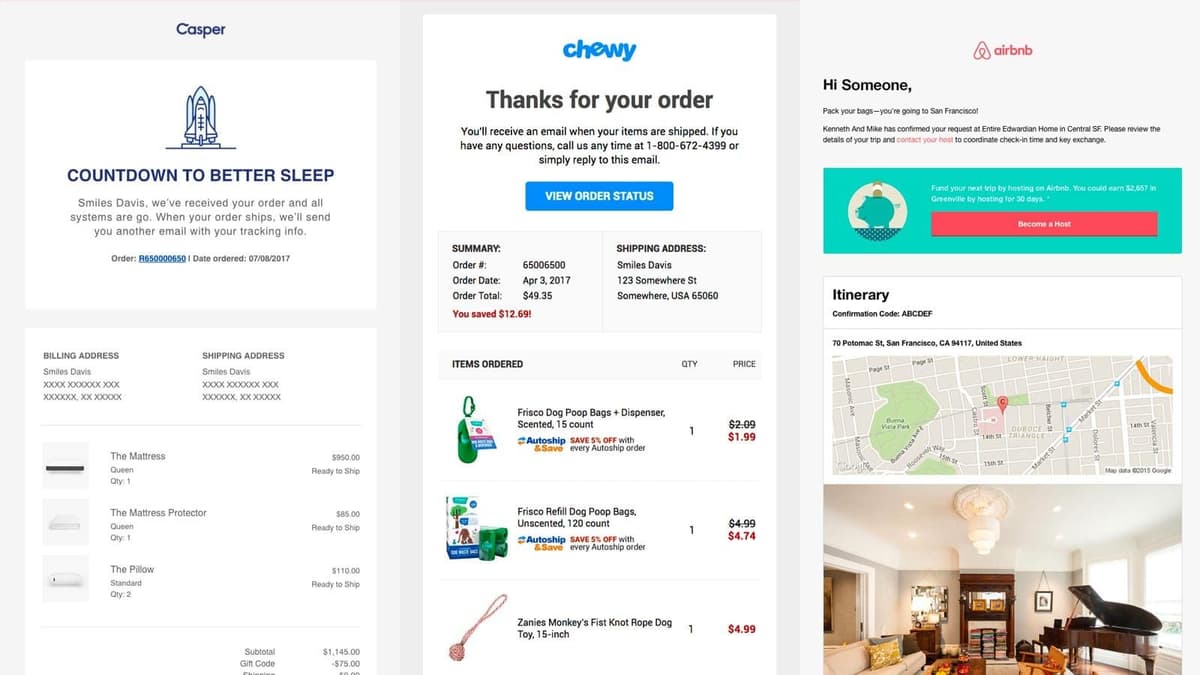
Effortless Receipt Management with Automatic Email Import

Never lose a receipt again! Our smart AI scans your emails, extracts receipt details, and organizes them instantly. Save time and take control of your expenses.
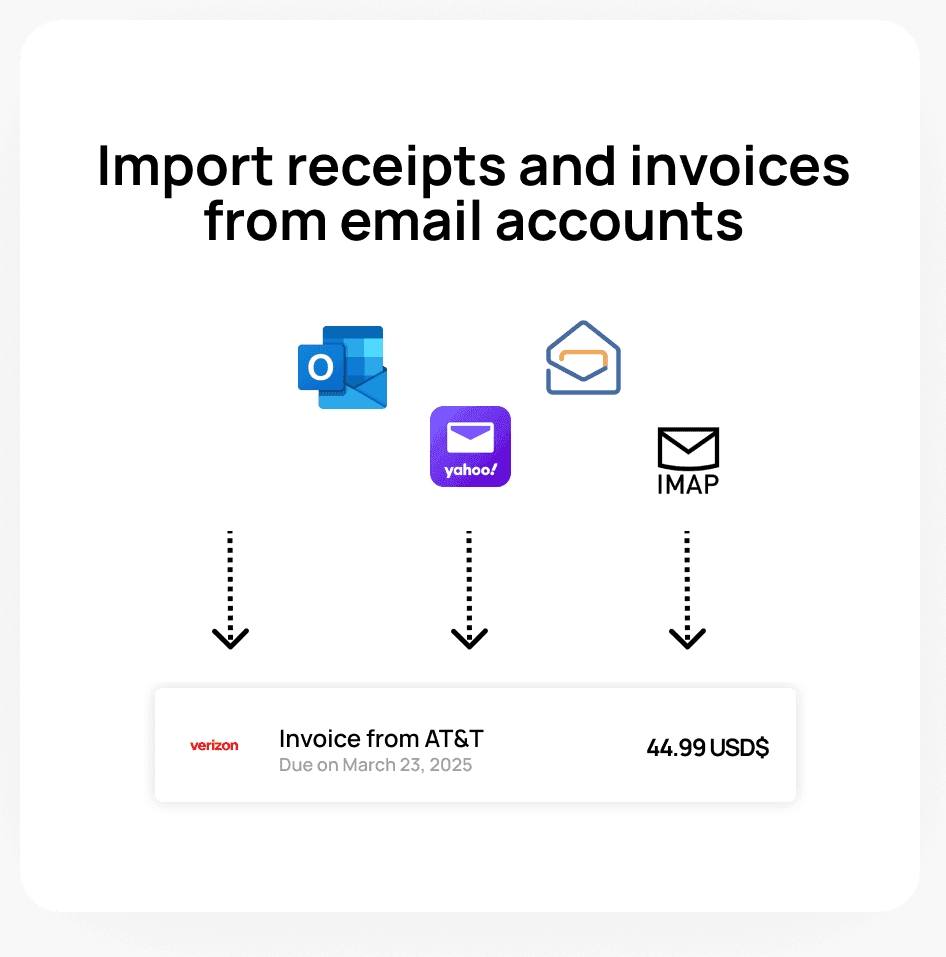
Import receipts and invoices from emails

Email Integration

Connect your email accounts to automatically extract receipts and invoices from your inbox. Connect to your Gmail, Yahoo, Outlook, Office 365 or Zoho Mail account or bring your own IMAP inbox.
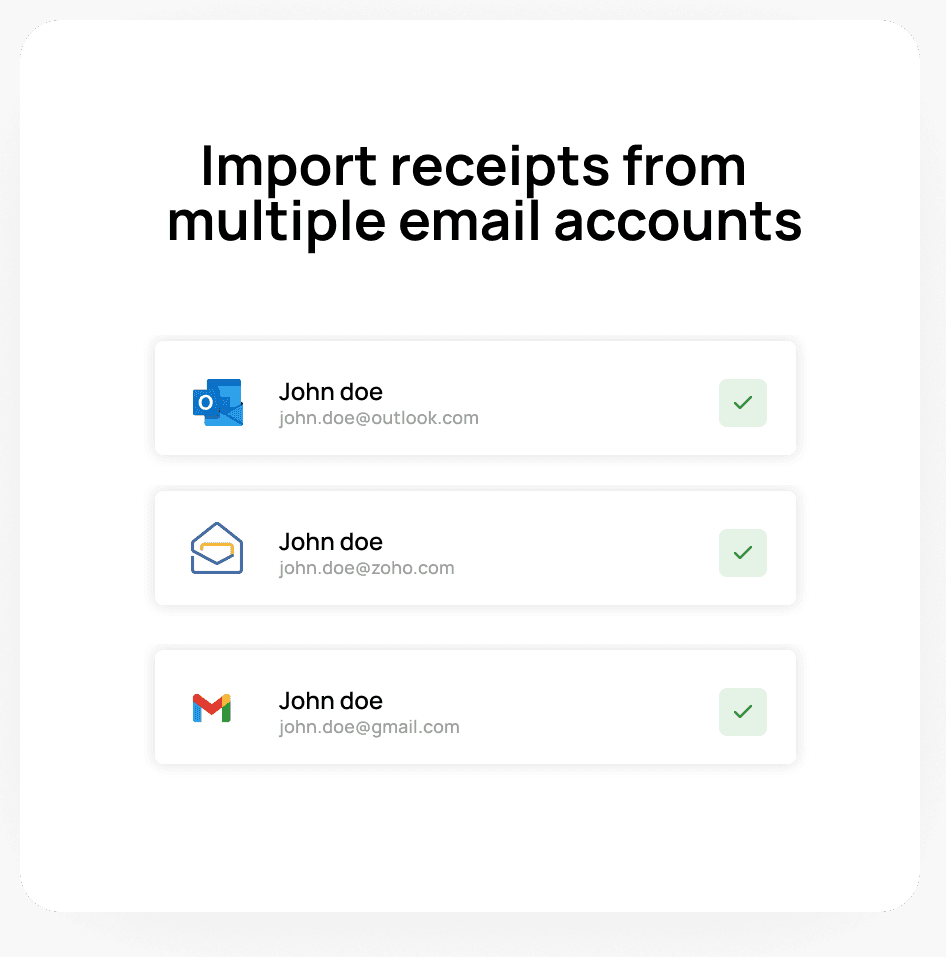
Import receipts and invoices from multiple accounts

Multi-Email Account Support

Connect multiple email accounts to centralize all your receipts in one place. Whether you use Gmail, Outlook, Microsoft 365, Yahoo, Zoho or another provider, our platform ensures that no receipt goes unnoticed, improving your financial organization and reporting.
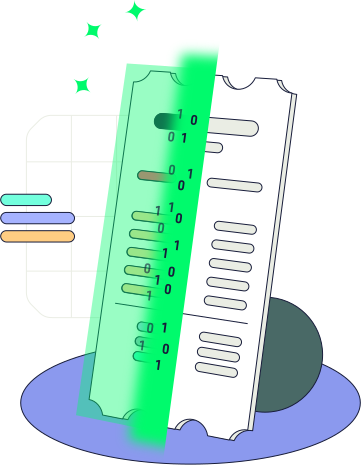
Receipt scanner AI

AI-Powered Receipt Parsing

Our AI-powered receipt parsing technology extracts crucial information from your email receipts, including vendor name, purchase date, total amount, taxes, and payment method. The system ensures high accuracy, even for complex or multi-item receipts, making financial tracking effortless.

Frequently asked questions

Our system connects securely to your email account and scans for receipts and invoices. Using advanced AI, it extracts key details such as the merchant name, itemized products, discounts, purchase date, total amount product, and tax information. The receipts are then automatically categorized and stored in your account for easy access.

Yes, we use bank-level encryption and strict security protocols to ensure your email data remains private. We only scan for receipts and do not access any other emails or personal information. Additionally, we use OAuth2 for secure authentication with email providers, ensuring that your credentials are never stored on our servers. For IMAP accounts, all data is encrypted during transmission to protect your information.

Our system supports major email providers like Gmail, Outlook, Yahoo, Microsoft 365, Zoho and any IMAP-compatible email service.

Our system scans your email regularly and imports new receipts as they arrive. You can also trigger a manual sync at any time.

Yes, you can connect multiple email accounts to ensure that receipts from different sources are automatically imported into your account.

All imported receipts are stored in your account dashboard, where you can search, categorize, and export them as needed.

Yes, you can export your receipts to accounting software such as QuickBooks, Xero, and FreshBooks for seamless financial management. You will need to install the specific app on your Smartbills account.

You can manually upload scanned paper receipts, and our AI will process them just like email receipts.

Start Automating Your Receipts Today!

Connect your email in seconds and let our AI do the work. Secure, fast, and hassle-free receipt tracking.